

Syncing your Trading 212 account goes through our own aggregation solution, Invvest Connect.
To do this, we don't need your login info—just two API keys that you generate from your Trading 212 account: a public key and a secret key. These keys only let us read your account to get your data.
How to sync your Trading 212 accounts:
Go to Trading 212 and log in (or use the app)
Open the menu then click on "Settings" then on "API"
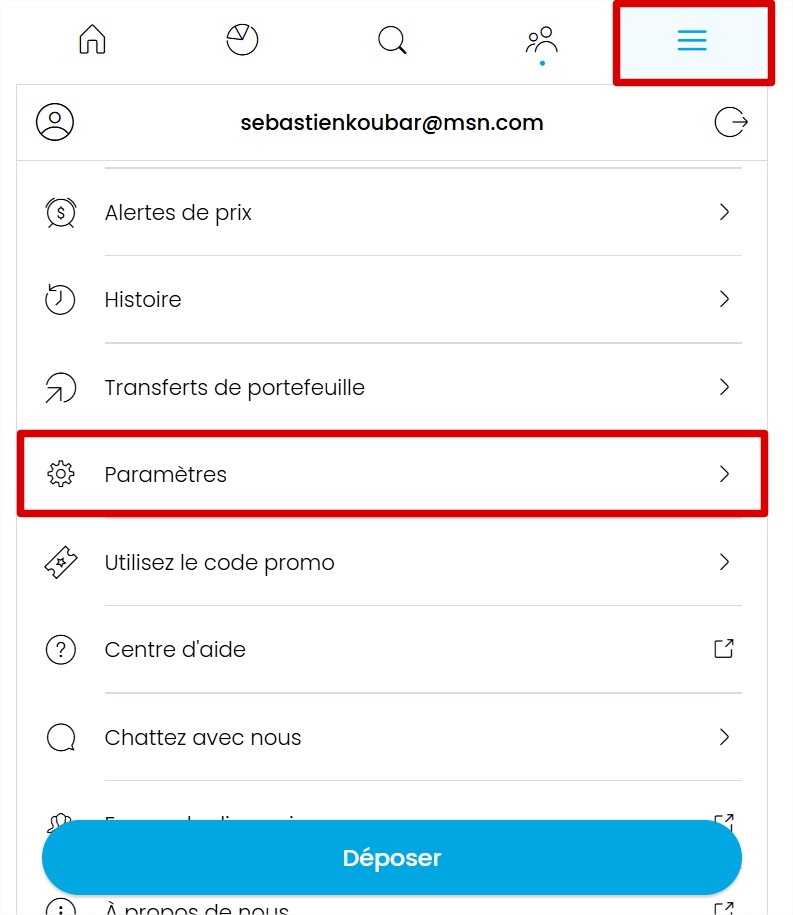
Click the "Generate API key" button then give it a name (for example Invvest). In the “IP access restrictions” section, select “No restriction”.

In the “Permissions” section, enable all the following permissions:
Account Data
History
History - Dividends
History - Orders
History - Transactions
Metadata
Orders - Read
Pies - Read
Portfolio
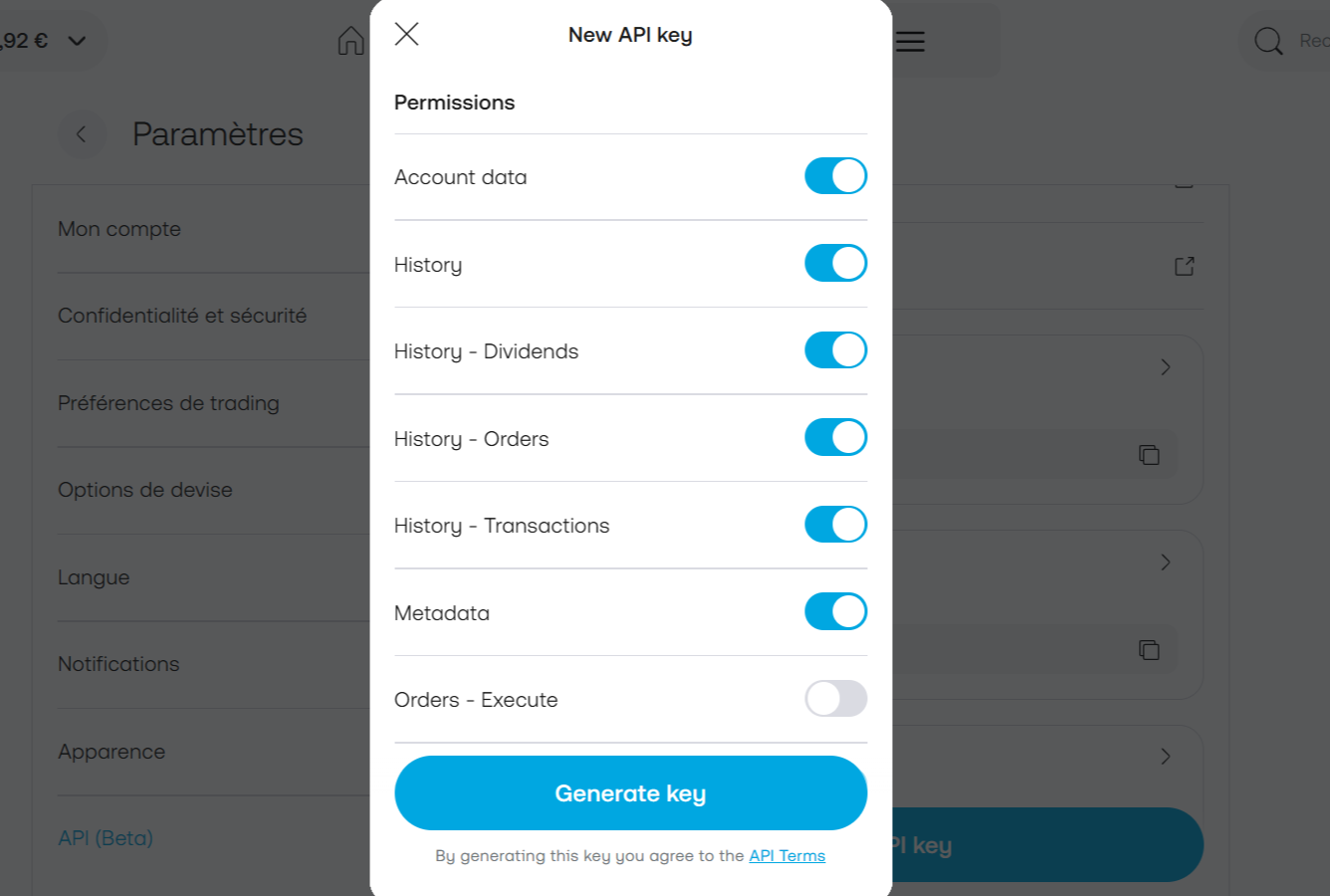
Click on "Generate key" and copy/paste your two keys to Invvest (API key ID and secret key).
