

When creating a portfolio, you have two options for adding and tracking:
Automatic synchronization
Manual addition
Automatic synchronization
This is the fastest method. It allows you to securely connect and link your investment accounts with your brokers to Invvest.
During the first synchronization, we automatically retrieve all your positions (asset name, quantity, average purchase price) in less than a minute.
Then, every day, we perform an automatic update to retrieve your new transactions and reflect them in your Invvest portfolio.

A synchronized account = a portfolio on Invvest. For example, if you connect your 401k and your retirement account, which are with the same broker, you will have two portfolios on Invvest: a 401k portfolio and an IRA portfolio.
Second thing
Synchronized portfolios cannot be modified. You cannot add/remove assets or transactions because they are linked to your investment account. You also cannot modify them (e.g., quantities or average purchase prices).
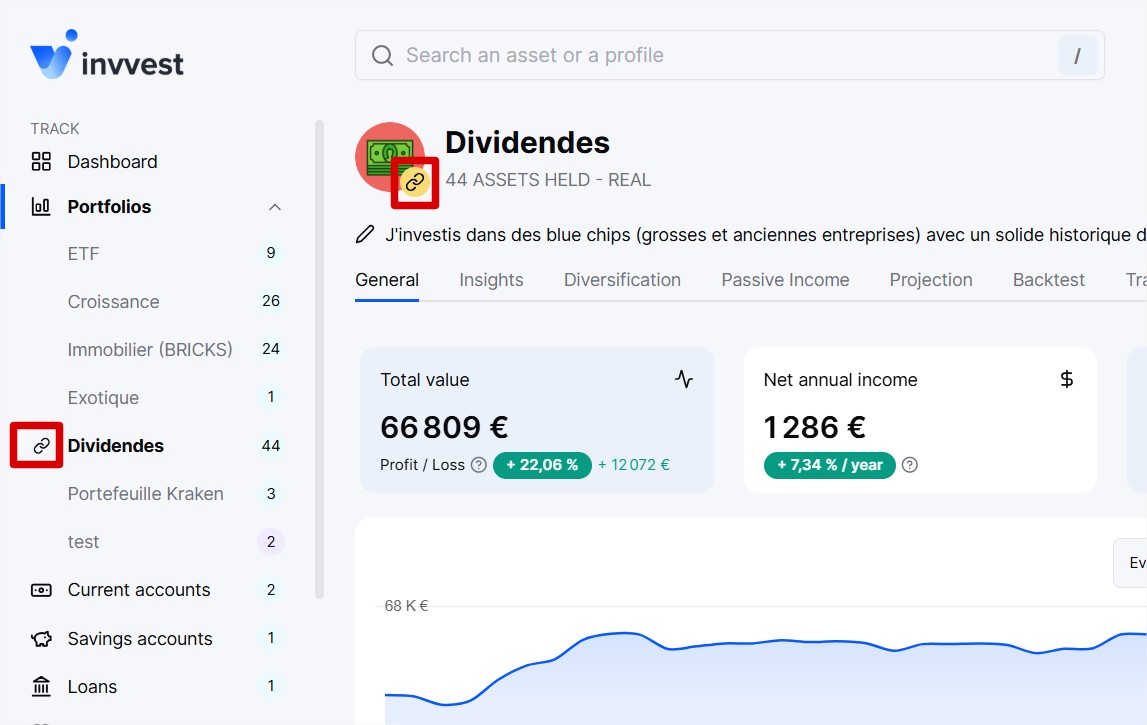
On your account, you can recognize your synchronized portfolio, which are accompanied by a small chain icon.
Manual Addition
This is the most flexible but also the longest method.
In practice, you need to add and modify everything manually, but it is 100% customizable. You can include as many assets as you want and from various asset classes.
Enthusiasts love this mode because they enjoy updating their portfolios manually.