

Go to the portfolio you want to delete.
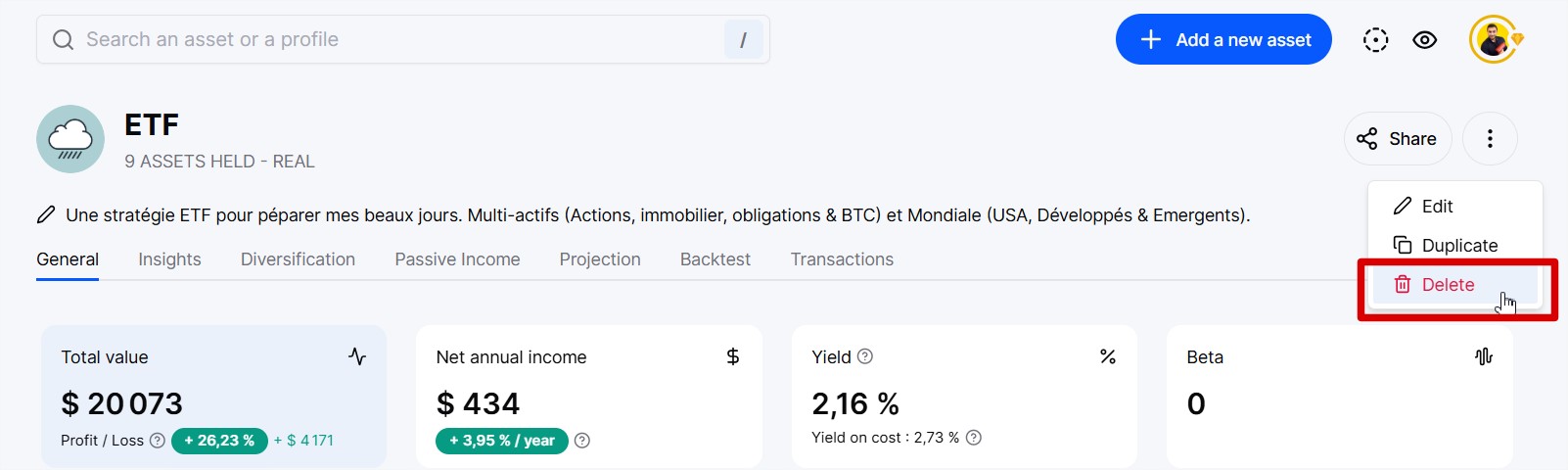
Then click on the three dots in the top right corner and select "Delete."

If you delete a synchronized portfolio, you will also remove the automatic synchronization for that portfolio.
Go to the portfolio you want to delete.
Then click on the three dots in the top right corner and select "Delete."