
In general, we update the value of your accounts once a day (usually at night).
Specifically, if you make a transaction with your broker or a purchase from your bank account, these changes will not be immediately reflected in your Invvest account but will appear no later than 24 hours afterward.
This update is automatic as long as Powens and Vezgo send us an update signal. In the rare case that these aggregators do not send us a signal, we cannot trigger the update.

The synchronization then displays a status of "Paused." This behavior forces you to re-synchronize your account with one click. Click here to learn more.
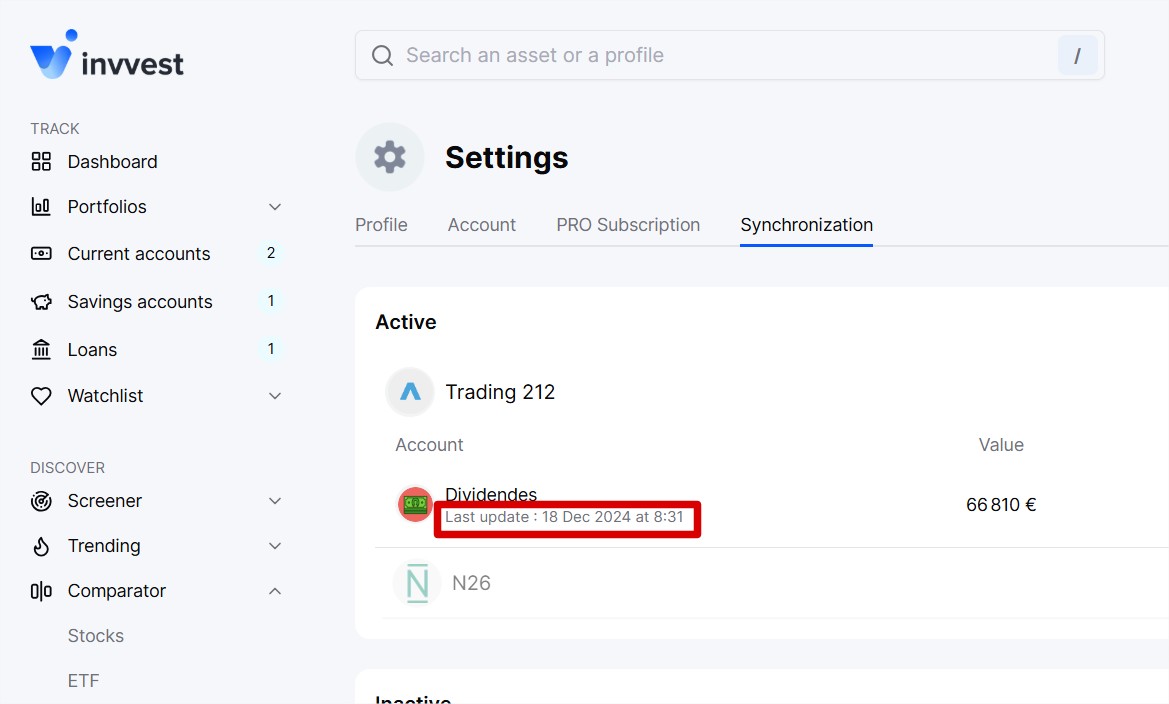
To find out the exact date and time of the last update of your accounts, it’s very simple.
Go to the Synchronization section of your settings by clicking here.
Then click on any account to display the date and time of the last update.
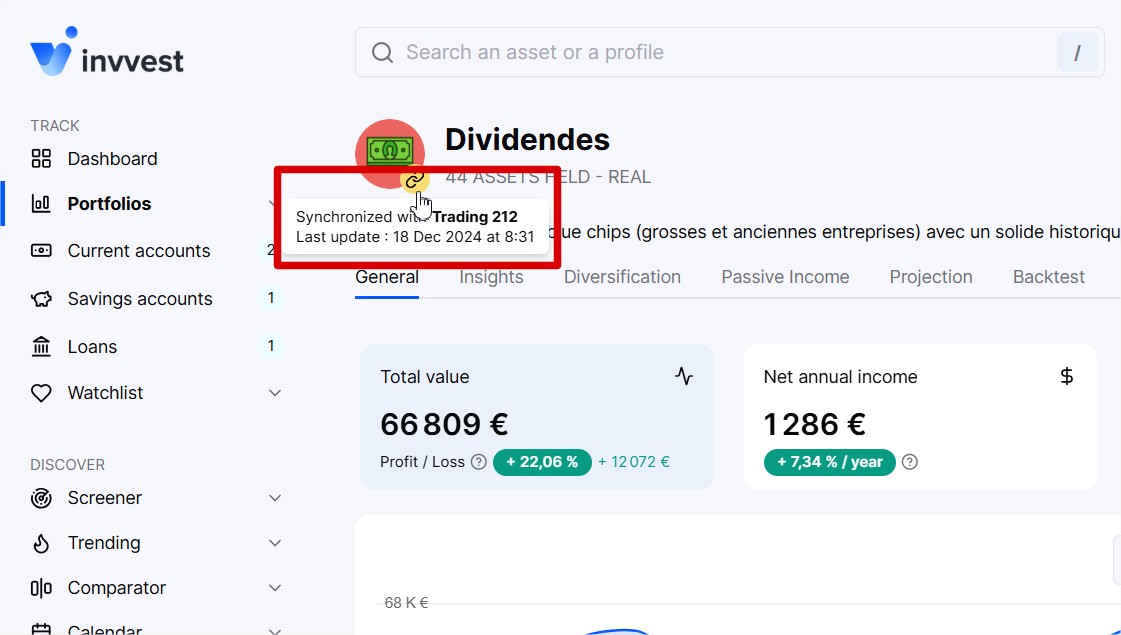
Alternatively, we also display this data on each portfolio, savings account, and synchronized bank account by hovering over the small synchronization icon next to the wallet icon.